
How to Sync Worship Song Lyrics (The Fast Way)
The problem with manual lyrics timing
Every week, someone on the church media team opens the projection software, pastes in the worship lyrics, and then sits there scrubbing through the audio — pausing, rewinding, marking where each line starts. For a single song that can take 20–30 minutes. For a full Sunday setlist, it easily eats two or three hours of someone's week.
That work repeats every Sunday, forever.
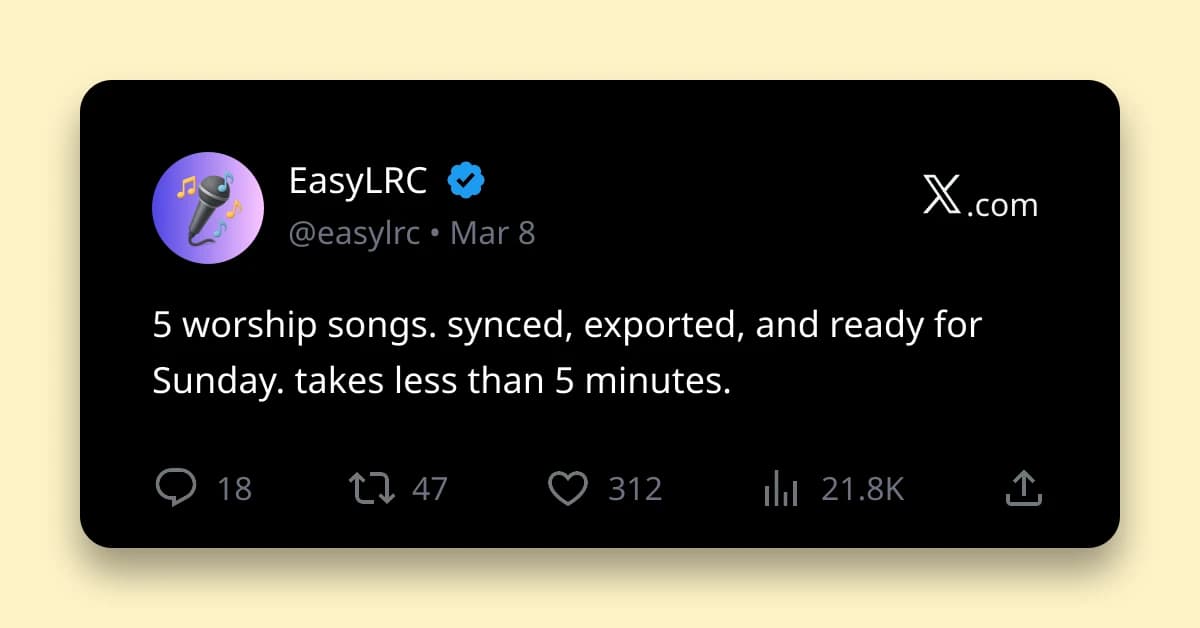
The faster way: upload the audio to EasyLRC, and the AI gives you a timestamped file in about 14 seconds. You spend 60 seconds checking it in the editor, then you're done.
How it works — three steps
1. Upload the audio Go to EasyLRC and drop in the audio file for the worship song. MP3, WAV, M4A, FLAC, AAC, OPUS, and OGG all work, and MP4 or MOV video uploads work too. Studio recordings give the best results — the clean vocals that publishers like Elevation Worship, Hillsong, and Bethel Music use are ideal for AI transcription. If you don't have the studio file, studio audio is available through platforms like MultiTracks.com.
2. Let the AI sync it Select the language (English, Spanish, Korean, Portuguese — 99+ are supported) and hit upload. A typical 4-minute worship song takes about 14 seconds to process. The editor opens automatically when it's done.
3. Review and export Press play and watch the lyrics highlight in sync with the audio. Most worship songs need 2–4 small corrections — usually a biblical name or a song-specific phrase the AI mishears. Once you're happy, click Export and download the SRT file.
Ready to try it with your own file?
Upload audio, review the timing, and export the format you need.
What you do with the SRT file
An SRT file is a text file with a timestamp for every lyric line. Once you have it, two things get much easier:
YouTube captions If your church uploads the Sunday service recording to YouTube, the SRT file becomes the captions. Go to YouTube Studio → your video → Subtitles → Add → Upload File, and select the .srt file. YouTube matches the timestamps to the video automatically. This also helps your videos show up in YouTube and Google search — YouTube indexes the caption text.
Building projection slides without scrubbing audio For ProPresenter, EasyWorship, or whatever software your church uses — open the SRT file in a text editor and you'll see the exact start time for every line. Copy those timestamps into your slide cues directly. No more listening through the song over and over to find where each line begins.
For a full deep-dive on the church media workflow — including multilingual congregations, weekly scheduling, and accuracy expectations for worship music — see our complete worship lyrics sync guide.
What it costs
The free tier gives you 5 minutes of processing per month — enough to try it with one song, no account required.
For a regular Sunday workflow:
Starter — $5/month covers 25 minutes of audio, which is roughly 5–6 songs. Good for small churches where most songs repeat week to week and you're only processing a couple of new ones each week.
Creator — $9/month covers 80 minutes — around 16–20 songs. Enough headroom for a mid-size church processing new songs each week, seasonal specials, and the occasional extra service.
Previously synced songs stay in your dashboard for 30 days on paid tiers and can be re-exported any time without using quota.
See the full pricing page for details.
Frequently Asked Questions
Do I need technical knowledge to use EasyLRC?
No. You upload a file, wait 14 seconds, check the sync, and download. The editor highlights each lyric line in time with the audio so you can spot any errors by ear. No software to install and no settings to configure.
Will it work for worship songs in Spanish, Korean, or other languages?
Yes. EasyLRC supports 99+ languages. Select the correct language before processing and the AI handles the full sync in one pass. Many churches use it for multilingual services.
What if I only have a live recording from the service, not a studio version?
It will still work, but accuracy will be lower. Congregation singing, reverb, and background noise make the AI's job harder. For the best result, process the studio version and use that SRT for your slides and YouTube captions. You can also run the live recording through EasyLRC after the service for a post-service YouTube caption file — just expect to do a few more manual corrections.
Where can I learn more about the full weekly church media workflow?
We wrote a longer guide covering the full picture — multilingual workflows, accuracy details for worship music, YouTube SEO, and a week-by-week scheduling suggestion. Read the complete guide: How to Sync Worship Song Lyrics for Church Media Teams.
Try it free — one worship song, no account needed
Upload your audio and get an SRT file in about 14 seconds.