
SRT Timestamp Format: Simple Examples
Quick Answer
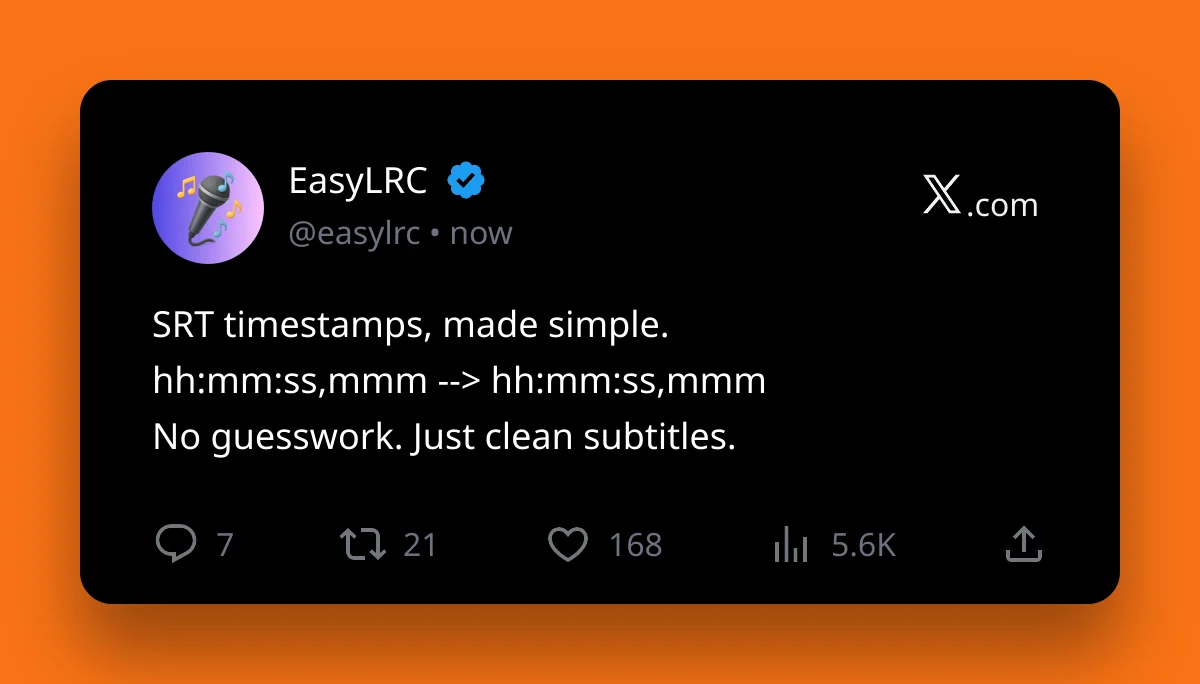
The correct SRT timestamp format is hh:mm:ss,mmm --> hh:mm:ss,mmm.
Example:
00:00:12,500 --> 00:00:15,000
The first time is when the subtitle appears. The second time is when it disappears. SRT uses a comma before milliseconds, not a period.
A Complete SRT Block
A normal SRT subtitle block looks like this:
1 00:00:12,500 --> 00:00:15,000 When the night has come
2 00:00:15,000 --> 00:00:18,200 And the land is dark
Each block has a number, a timestamp line, the subtitle text, and a blank line after it.
Ready to try it with your own file?
Upload audio, review the timing, and export the format you need.
What Each Part Means
SRT timestamps use this structure:
- hh - hours.
- mm - minutes.
- ss - seconds.
- mmm - milliseconds.
- --> - separates the start time and end time.
So this timestamp:
00:01:05,250 --> 00:01:08,900
means the subtitle starts at 1 minute, 5.250 seconds and ends at 1 minute, 8.900 seconds.
Common SRT Timestamp Mistakes
These are the mistakes that most often break SRT files:
- Using a period instead of a comma - write
00:00:12,500, not00:00:12.500. - Missing spaces around the arrow - use
-->with a space on each side. - End time before start time - the second timestamp must be later than the first.
- Missing blank lines - every subtitle block should be separated by a blank line.
- Skipping numbers - most players are forgiving, but clean numbering is safer.
Good vs Bad Examples
Good:
1 00:00:12,500 --> 00:00:15,000 This subtitle is formatted correctly.
Bad:
1 00:00:12.500-->00:00:15.000 This one may fail in some players.
The bad example uses periods, has no spaces around the arrow, and is harder for subtitle tools to read.
How to Fix Bad Timing
If every subtitle is early or late by the same amount, shift all timestamps forward or backward.
If only some lines are wrong, edit those individual blocks.
For a few lines, manual editing is fine. For a whole song, video, or long recording, it is usually faster to regenerate the timing from the audio.
A Faster Way to Create SRT
If you only need to fix one timestamp, a text editor is enough.
If you need a full SRT file from audio or video, upload the media to EasyLRC. It can create synced subtitles automatically, let you review the timing, and export SRT when you are done.
That saves you from typing every timestamp by hand.
Frequently Asked Questions
What is the correct SRT timestamp format
The correct SRT timestamp format is hh:mm:ss,mmm --> hh:mm:ss,mmm. SRT uses a comma before milliseconds.
Does SRT use commas or periods
SRT uses commas for milliseconds, like 00:00:12,500. WebVTT uses periods, like 00:00:12.500.
Can I generate SRT timestamps automatically
Yes. EasyLRC can generate SRT subtitles from audio or video, then let you review and export the final SRT file.
Need an SRT File From Audio?
Upload audio or video and let EasyLRC generate synced subtitles for you.