
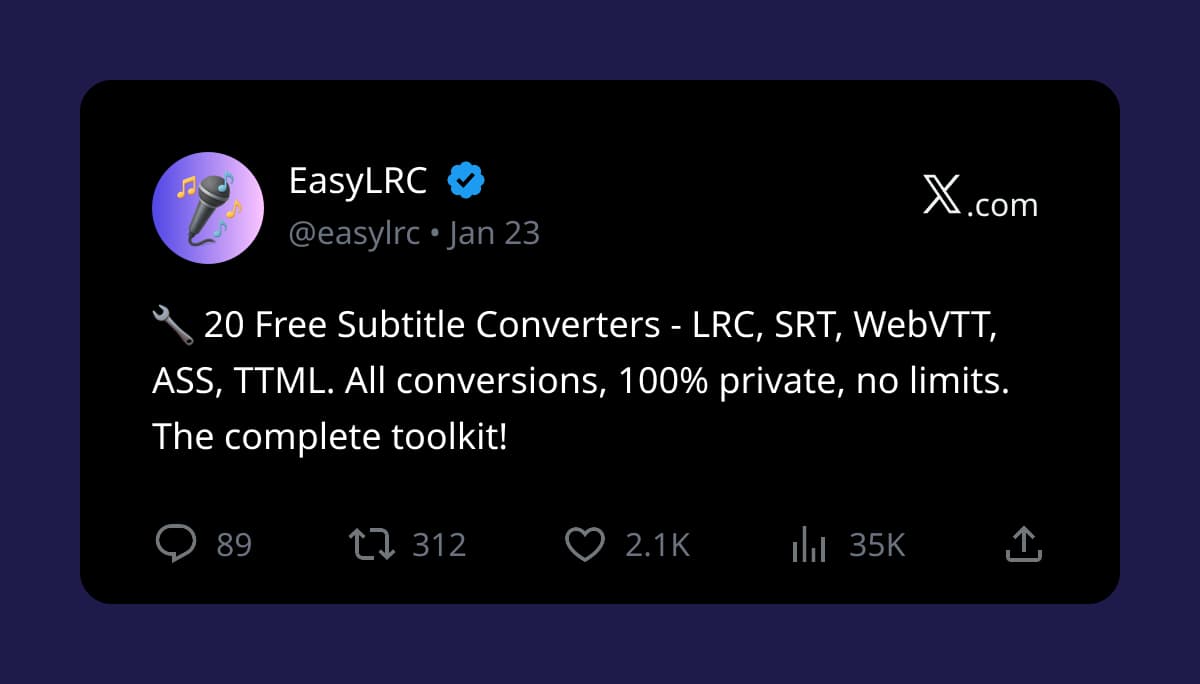
20 Free Subtitle Converters - LRC, SRT, ASS, WebVTT, TTML
All 20 Free Converters
Quick access to all 20 free subtitle converters. Select any converter from the list below.
Complete Converter List
LRC Converters (4): • LRC to SRT - Convert lyrics to subtitles • LRC to WebVTT - Convert for web video • LRC to ASS - Convert to advanced format • LRC to TTML - Convert to streaming format
SRT Converters (4): • SRT to LRC - Extract lyrics from subtitles • SRT to WebVTT - Convert for HTML5 video • SRT to ASS - Convert to styled format • SRT to TTML - Convert for streaming
WebVTT Converters (4): • WebVTT to LRC - Extract lyrics from web captions • WebVTT to SRT - Convert to SubRip format • WebVTT to ASS - Convert to advanced format • WebVTT to TTML - Convert for streaming
ASS Converters (4): • ASS to LRC - Extract lyrics from anime subs • ASS to SRT - Convert to simple format • ASS to WebVTT - Convert for web video • ASS to TTML - Convert for streaming
TTML Converters (4): • TTML to LRC - Extract lyrics from streaming • TTML to SRT - Netflix subtitle converter • TTML to WebVTT - Convert for web video • TTML to ASS - Convert to styled format
Ready to try it with your own file?
Upload audio, review the timing, and export the format you need.
Why Use These Converters
100% Private:
All conversions happen entirely in your browser. Your files are never uploaded to any server. No account required, no data collection, no tracking. Complete privacy for sensitive subtitle content.
Unlimited Use:
No file size limits, no daily conversion caps, no hidden restrictions. Convert as many files as you need, as often as you need. There are no premium tiers—everyone gets full access to all converters.
Instant Conversion:
No waiting in queues, no server processing time. Conversions complete instantly in your browser. Average conversion time is under 1 second for standard subtitle files.
No Sign-Up Required:
Just visit the converter page and start converting. No email signup, no account creation, no credit card required. The tools are completely free and always will be.
Works Offline:
Once the page loads, you can disconnect from the internet. The converters run entirely on client-side JavaScript and don't need an active connection after initial page load.
Format Quick Guide
LRC (Lyrics): For music lyrics and karaoke applications. Simple timestamp format with line-level timing. Used by music players like AIMP, foobar2000, and Chinese streaming apps.
SRT (SubRip): The most universal subtitle format. Plain text with start/end times. Supported by virtually all media players, video editors, and subtitle software.
WebVTT (Web Video Text Tracks): HTML5 standard for web video captions. Similar to SRT with additional metadata. Used by YouTube, social media platforms, and web video players.
ASS (Advanced SubStation Alpha): Advanced format with styling, colors, positioning, and karaoke effects. Standard for anime fansubs and karaoke applications. Requires capable media player.
TTML (Timed Text Markup Language): XML-based format used by Netflix, Amazon Prime, and streaming platforms. Supports complex timing and styling. Requires conversion for most players.
Popular Use Cases
Netflix Subtitle Extraction: Use TTML to SRT converter to extract Netflix subtitles for Anki sentence mining or language learning. Convert streaming TTML files to universal SRT format.
Anime Lyrics Collection: Extract anime opening/ending songs as LRC files for your music library. ASS to SRT, then SRT to LRC. Create a karaoke collection from your favorite anime.
Social Media Captions: Convert WebVTT captions from web video to SRT for TikTok, Instagram Reels, or YouTube Shorts caption upload. Native captions perform better than burned-in text.
Language Learning: Convert YouTube subtitles (SRT) to LRC for shadowing practice with local audio files. Study offline with synchronized text for Japanese, Korean, Chinese, and more.
Karaoke DJ Setup: Convert various subtitle formats to LRC for karaoke software. Support songs from any source—anime, music videos, streaming platforms.
Video Editing: Convert between formats to match your video editor's requirements. Most editors accept SRT. Some specialize in ASS for advanced effects.
Free Converters vs EasyLRC AI
What They Do:
Free converters change file formats. You upload an existing LRC file, get an SRT file. The timing stays the same—only the format changes.
EasyLRC AI creates timing from scratch. You upload plain text lyrics + audio file, AI generates word-level timestamps. No existing timing required.
Limits and Pricing:
Free converters: Unlimited use, no sign-up, no quotas. Completely free forever.
EasyLRC AI: 5 minutes/month free, then $5/month for 25 minutes. AI processing requires server resources.
When to Use Each:
Use free converters when you already have a timed file (LRC, SRT, VTT, ASS, TTML) and need to change the format.
Use EasyLRC AI when you have plain text lyrics and need to create timing from scratch.
Have Plain Text Lyrics? Create Timing with AI
Free converters are perfect for format changes—but they can't create timing from scratch.
If you have plain text lyrics and need synchronized timing:
EasyLRC AI Sync
• Upload audio file + plain text lyrics • AI creates word-level timing automatically • Export as Enhanced LRC (karaoke sync) or Standard LRC • 99+ languages supported • 5 min/month free, then $5/month for 25 minutes
Skip the manual timing entirely. Upload your song, get professional word-perfect timing in seconds.
Free converters: unlimited format conversion. EasyLRC AI: creates timing from scratch.
Frequently Asked Questions
Are these converters really free
Yes, all 20 converters are completely free with unlimited use. No sign-up required, no file size limits, no hidden fees. The converters run entirely in your browser using client-side JavaScript, so there are no server costs to pass on to you.
Are my files uploaded to a server
No, all conversions happen entirely in your browser using client-side JavaScript. Your files are never uploaded to any server. This means 100% privacy—your subtitle files never leave your device. You can even disconnect from the internet after the page loads and the converters will still work.
What is the difference between free converters and EasyLRC AI
Free converters change file formats (LRC to SRT, SRT to VTT, etc.) with unlimited use and no upload. EasyLRC AI sync creates timing from scratch using AI processing—upload audio and plain text lyrics, get word-level timed output. Free converters are for format changes. EasyLRC AI is for creating timing.
Do the converters work offline
Yes, once the converter page loads in your browser, you can disconnect from the internet. All conversion logic runs locally in your browser using JavaScript. Only the initial page load requires an internet connection.
What formats do the converters support
The 20 converters support 5 major subtitle and lyrics formats: LRC (lyrics), SRT (SubRip subtitles), WebVTT (web video captions), ASS (Advanced SubStation Alpha), and TTML (Timed Text Markup Language). Every possible conversion between these formats is available.
Is there a file size limit
No, there is no file size limit. The converters handle files of any size that your browser can process. Large subtitle files may take slightly longer to convert, but there are no artificial restrictions.
Ready to Create Your Own Enhanced LRC Files?
Try EasyLRC free—5 minutes of AI-powered word-level synchronization included.